
 Topic Finance
Every expense, every budget, one clear picture.
Log what you spend and earn in a few taps, give it a category, set budgets that warn you in time, and watch your money on clear statistics. On your own accounts, in any currency, in your language.
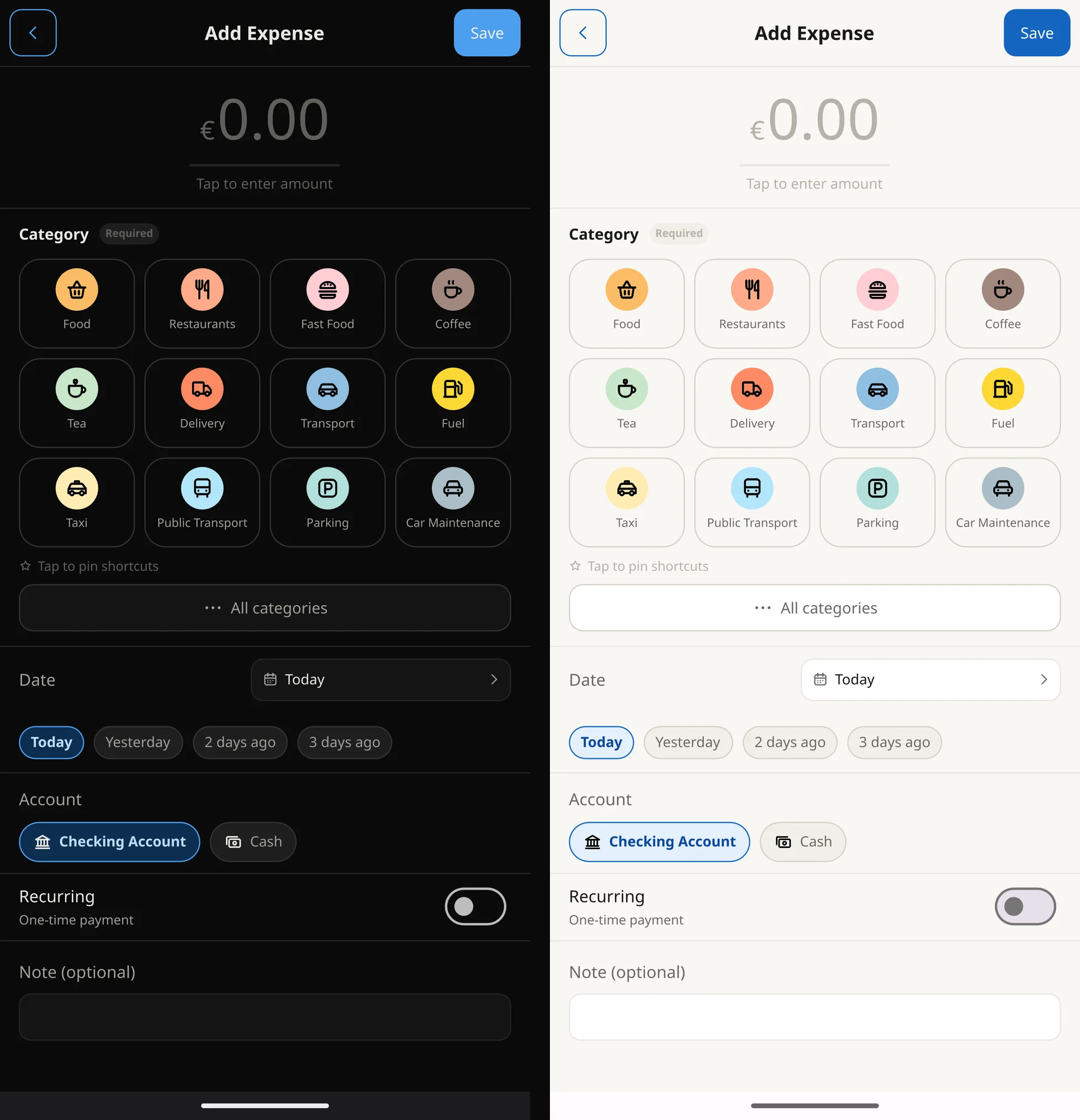
- 82built-in categories, plus your own
- 155currencies, with exchange as you add
- 46languages
- 0ads, in the trial and after
Spending history
See exactly where it went
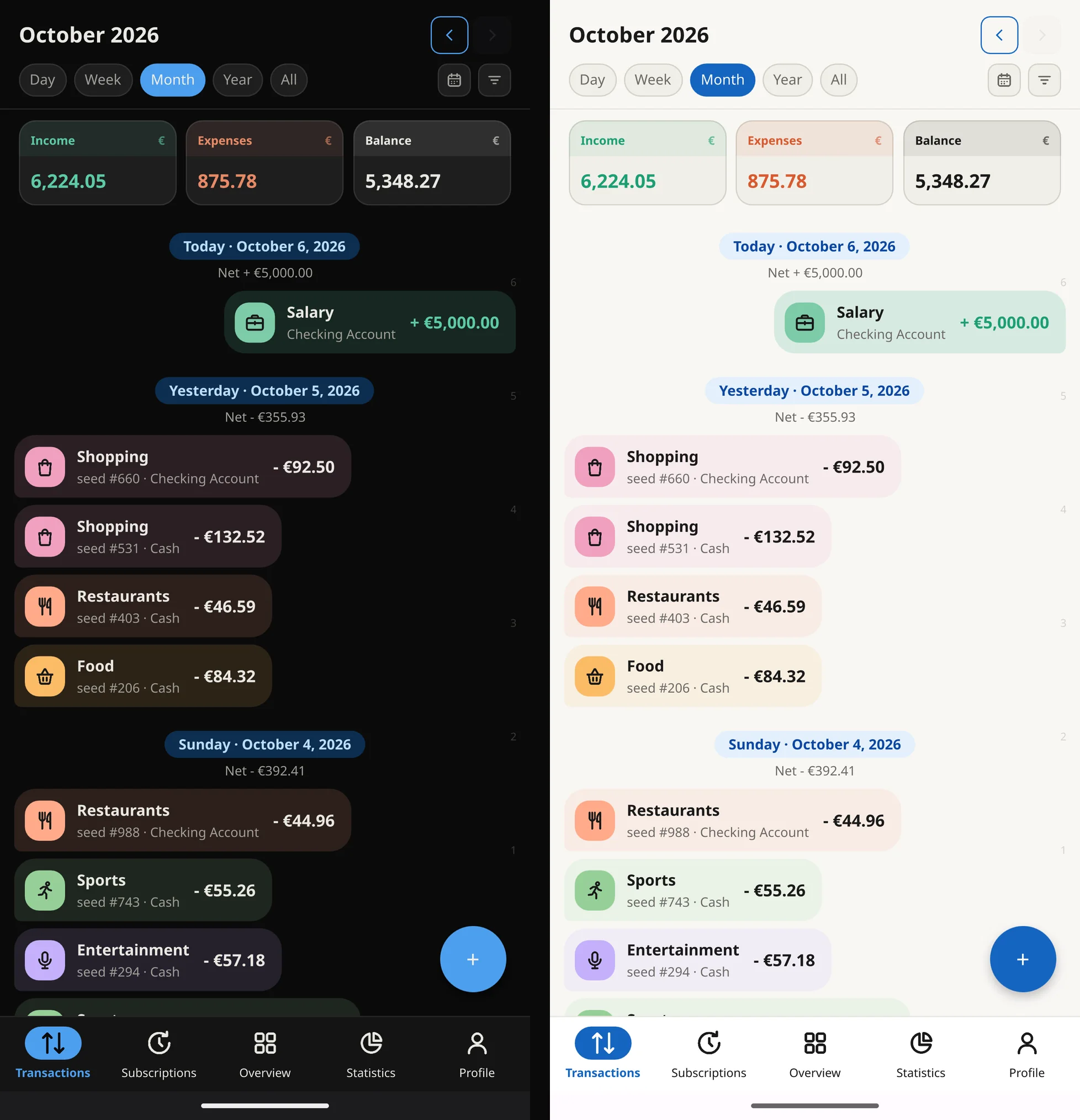
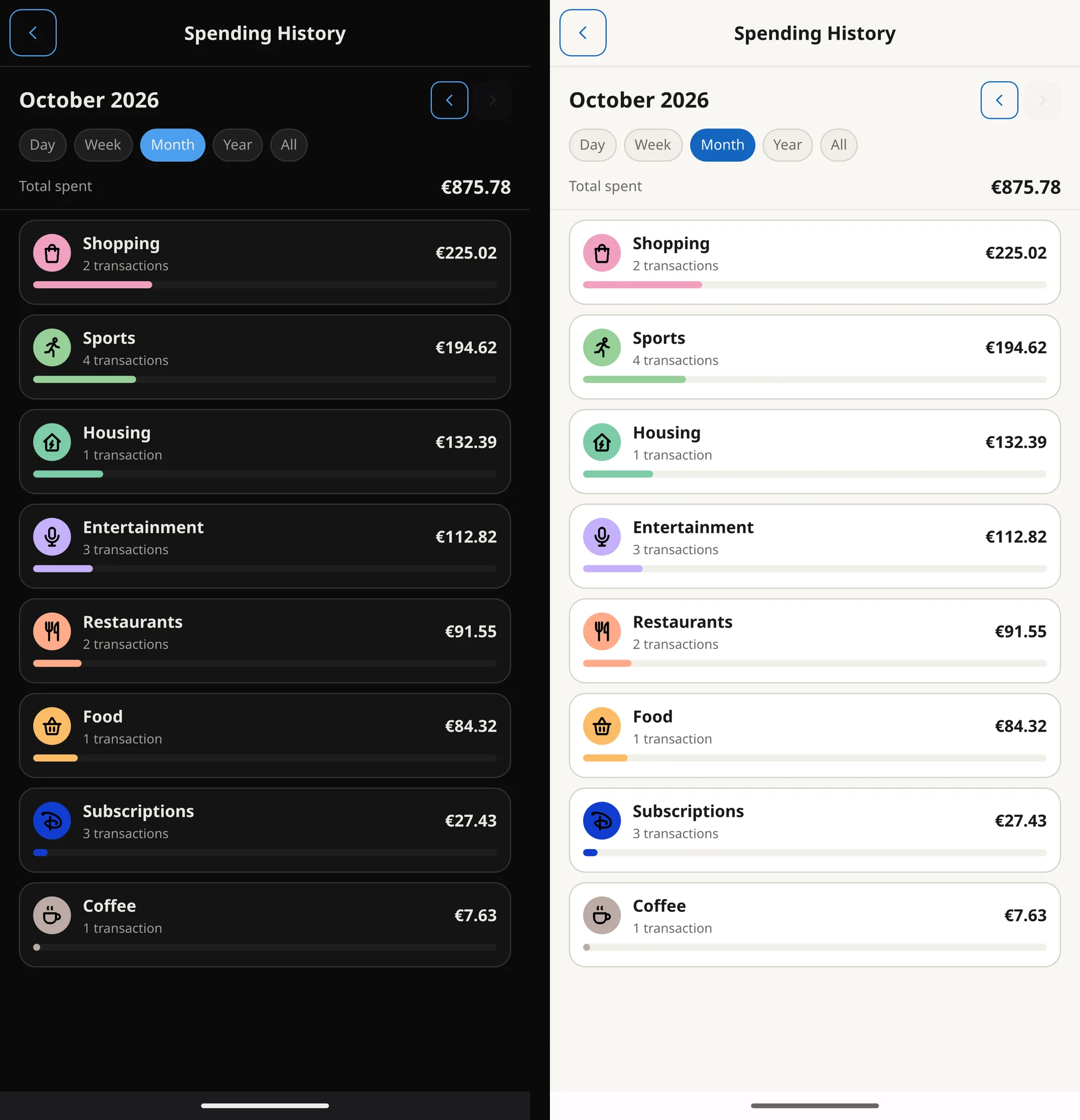
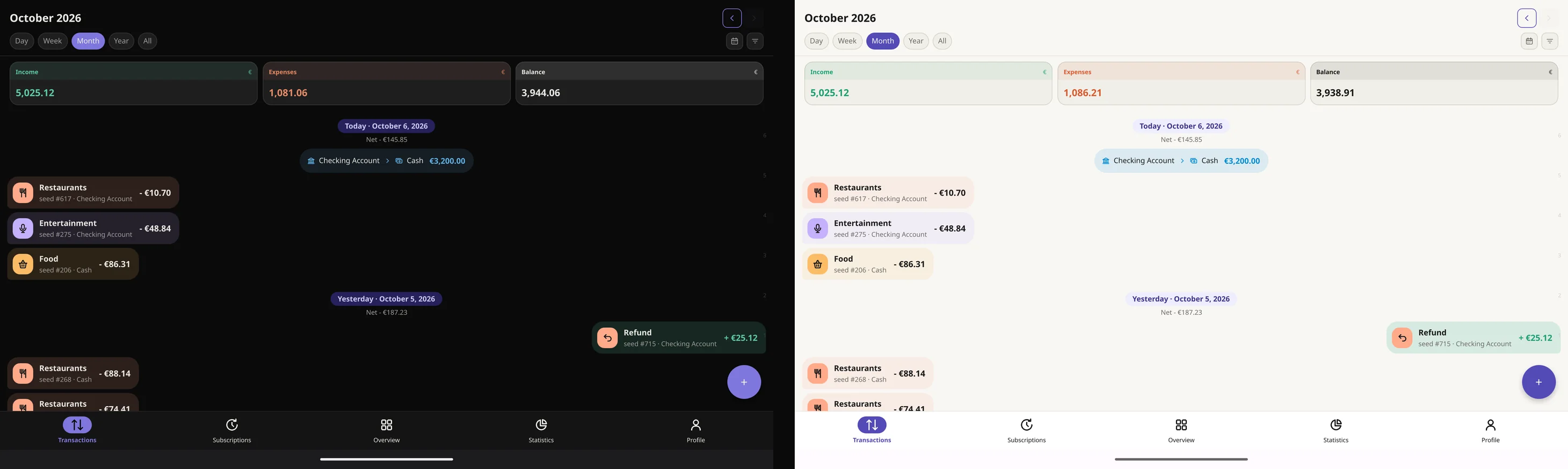
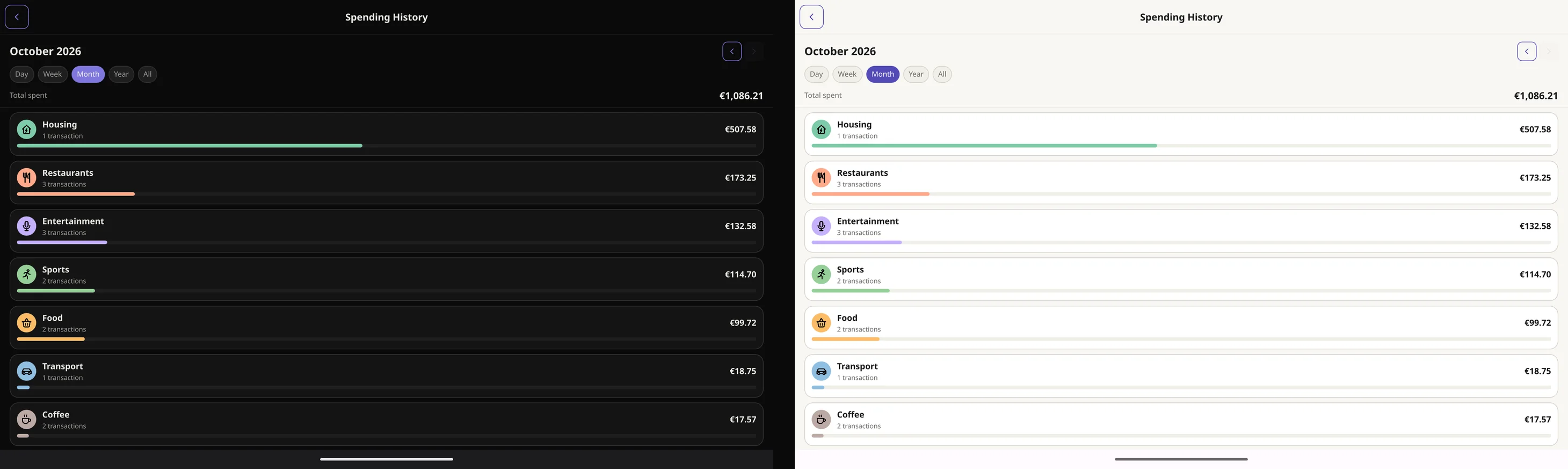
Every expense, income and transfer lands in your history, grouped by day with its category, account and amount. Filter it down to a category or a date range and the total follows.
- The day, week, month or year at a glance, or everything you've ever logged
- A calendar view that shows which days you spent on
- Rent, salary and bills repeat on their own: weekly, every two weeks, monthly or yearly
- Tap the spending breakdown for the full history behind it
Categories
75 for spending, 7 for income, and yours
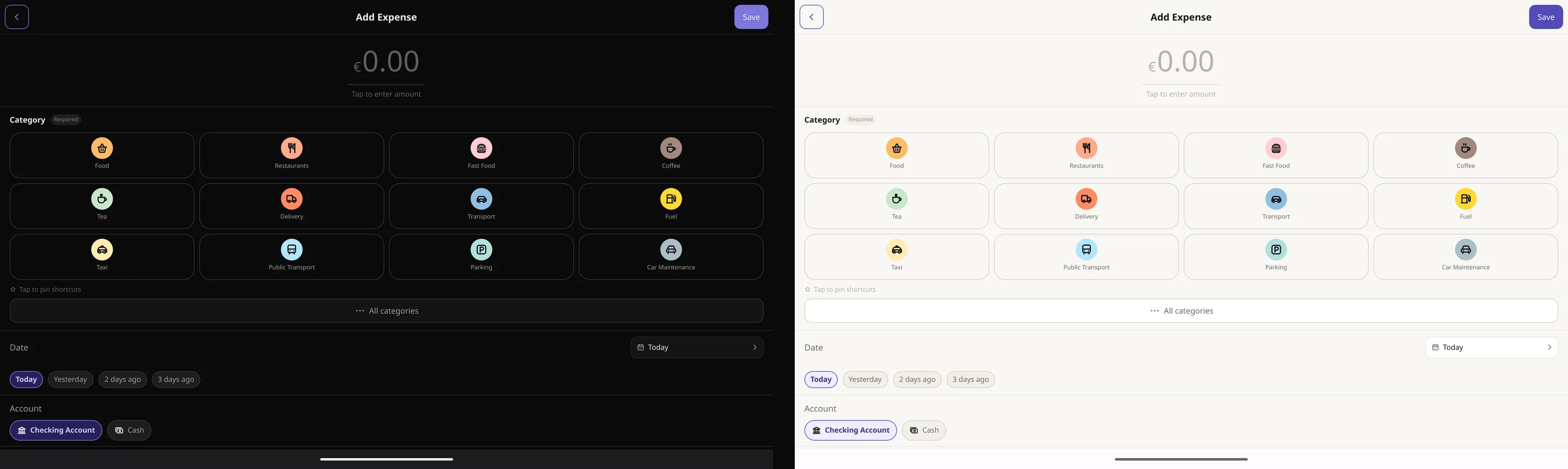
Categories come ready, sorted into groups like Food and drink, Transport, Home and living, Bills, Shopping and Health. Pin the ones you use most, so they're first when you add an expense.
- Make your own with a name, one of 55 icons and any colour
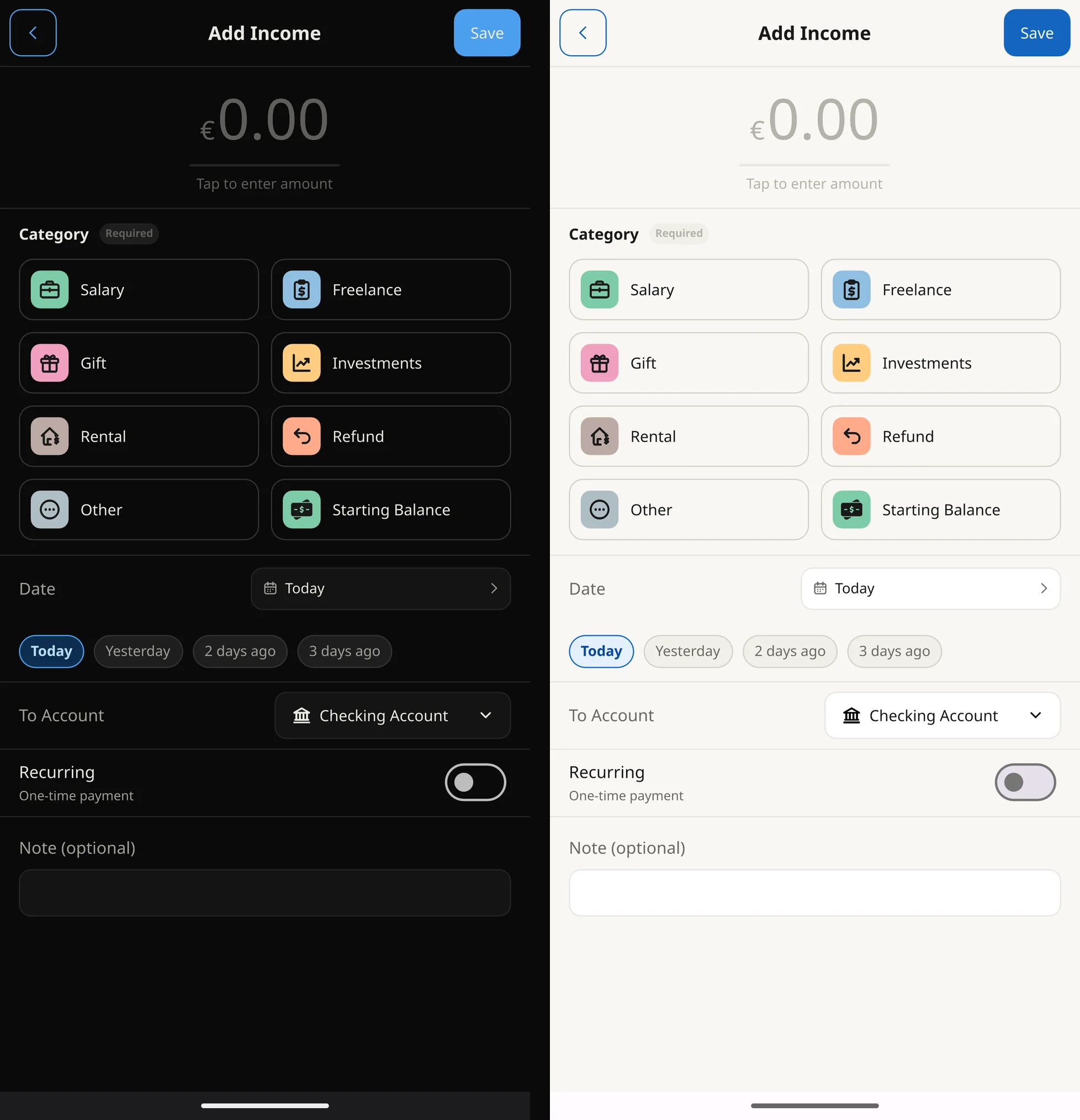
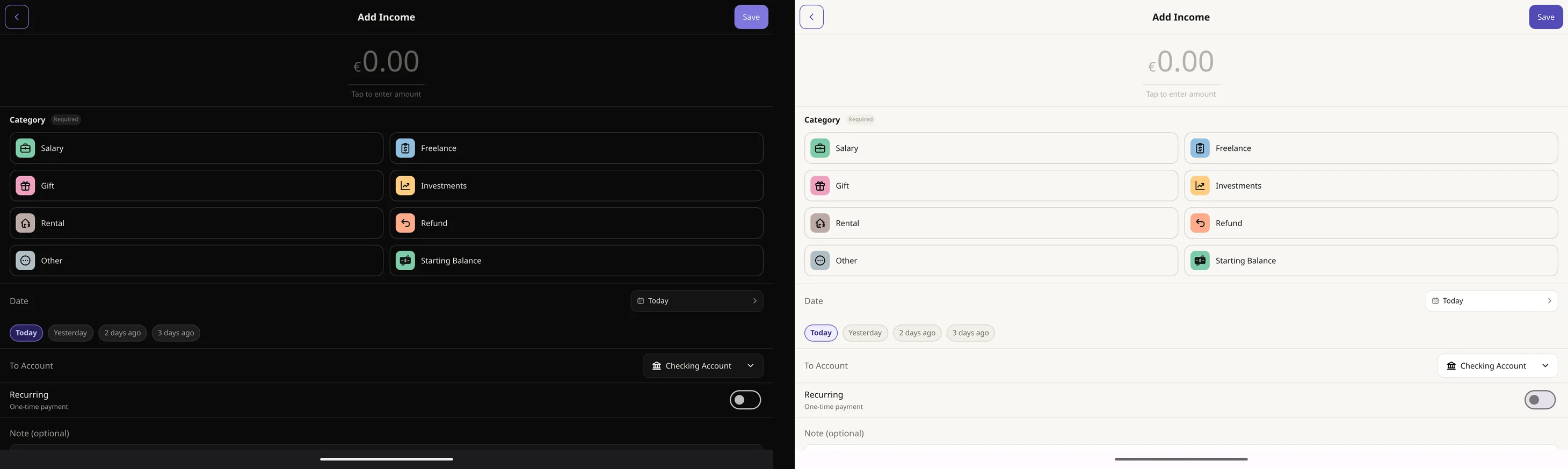
- Income has its own: Salary, Freelance, Gift, Investments, Rental, Refund and Other
- Every chart and budget works per category, yours included
Income and budgets
Know what's left before the month ends
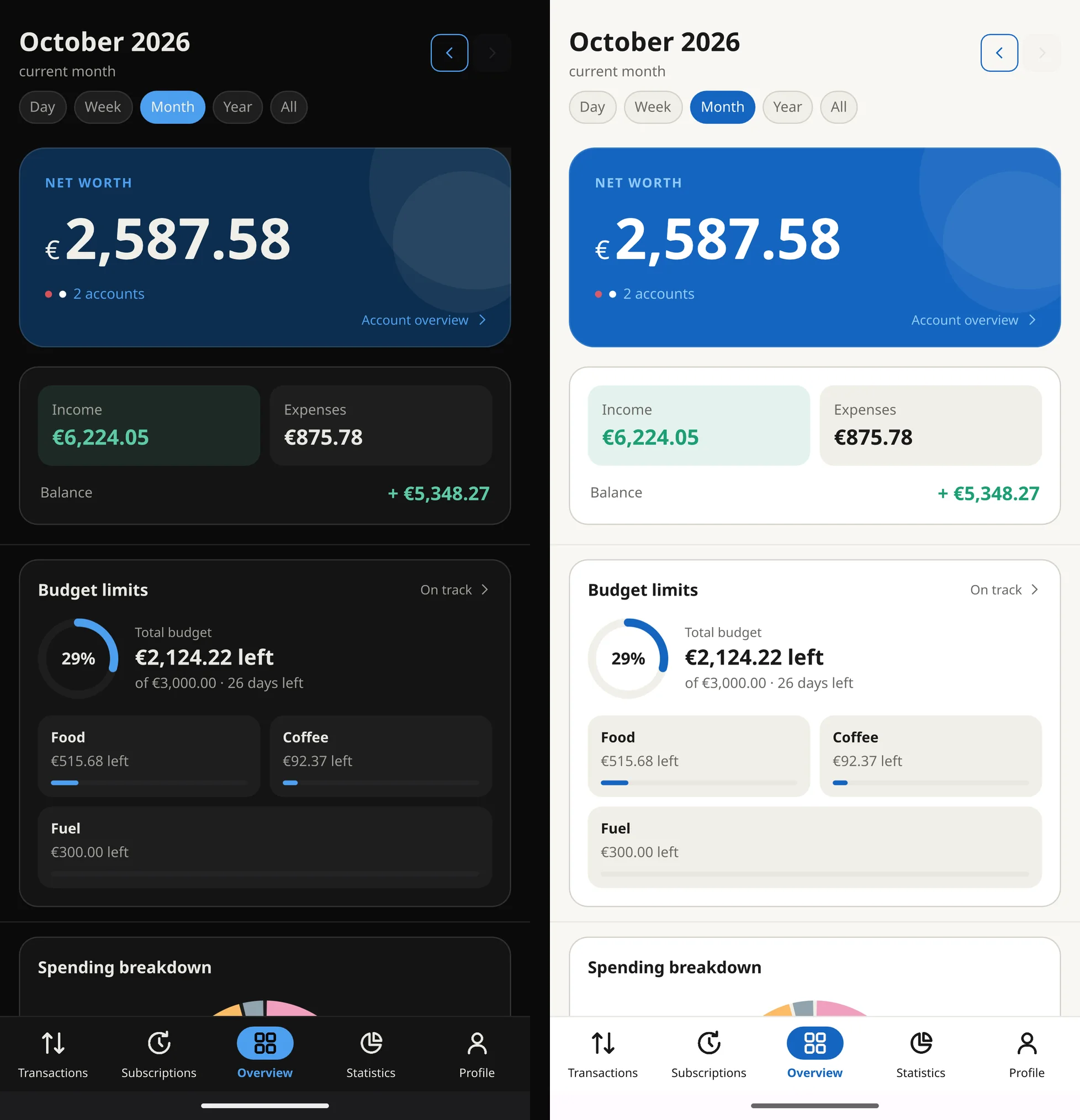
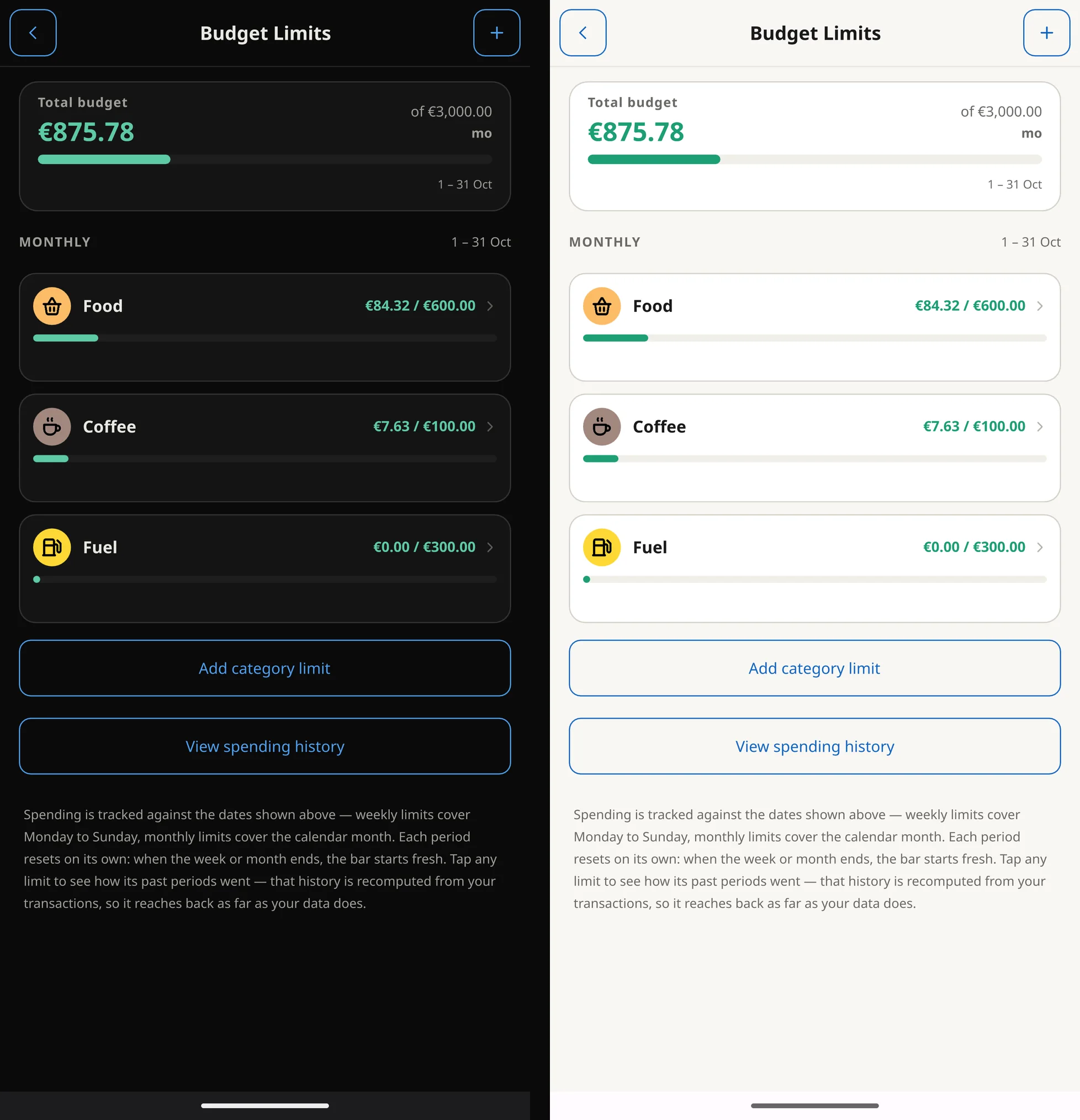
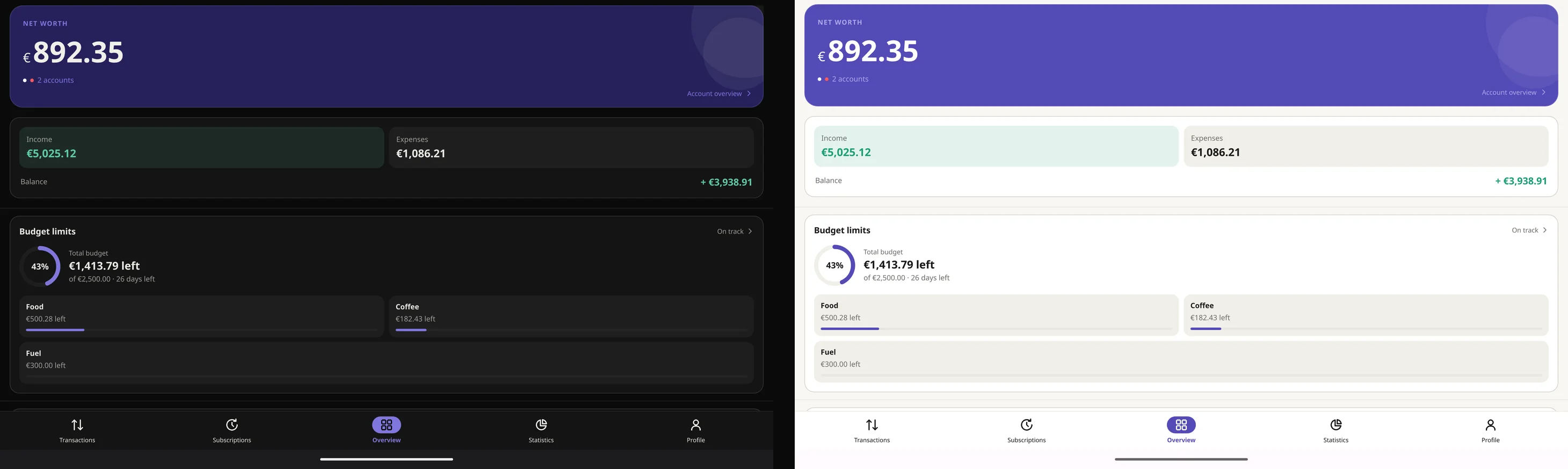
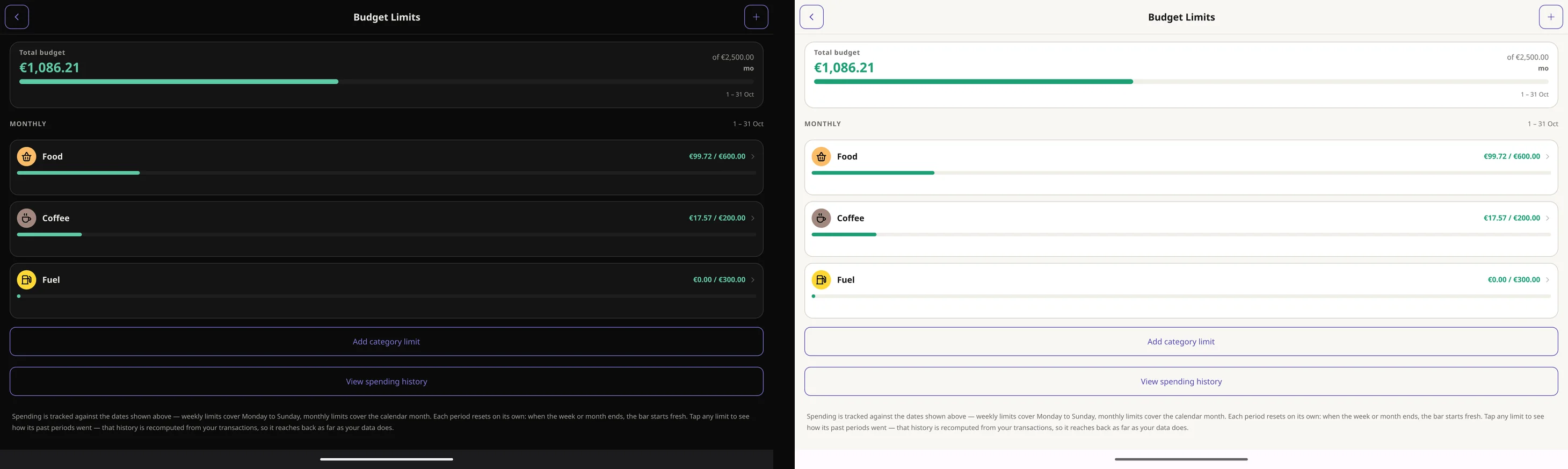
Set a limit for any category, by the week or the month, plus a total budget. Each one fills up as you spend, and you see it coming before you go over.
- On track, close to the limit or over, at a glance
- Every finished week or month is kept, so you see how you did over time
- Income goes in by category too, and the overview shows how much of it you've spent
Statistics and overview
Your money, on clear charts
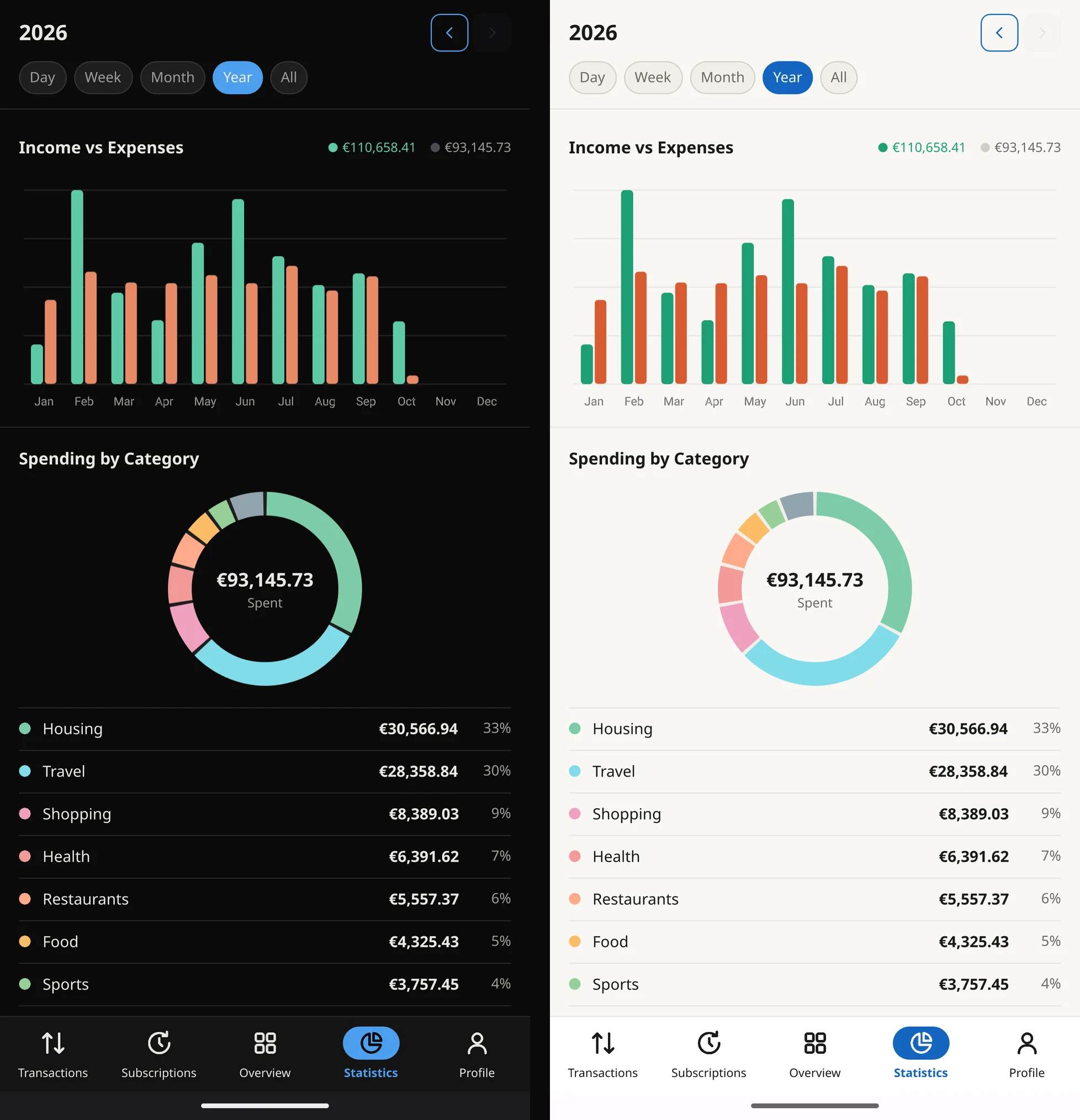
The overview puts your net worth, income, expenses and budget on one screen. The statistics go deeper, for the day, the week, the month or the year.
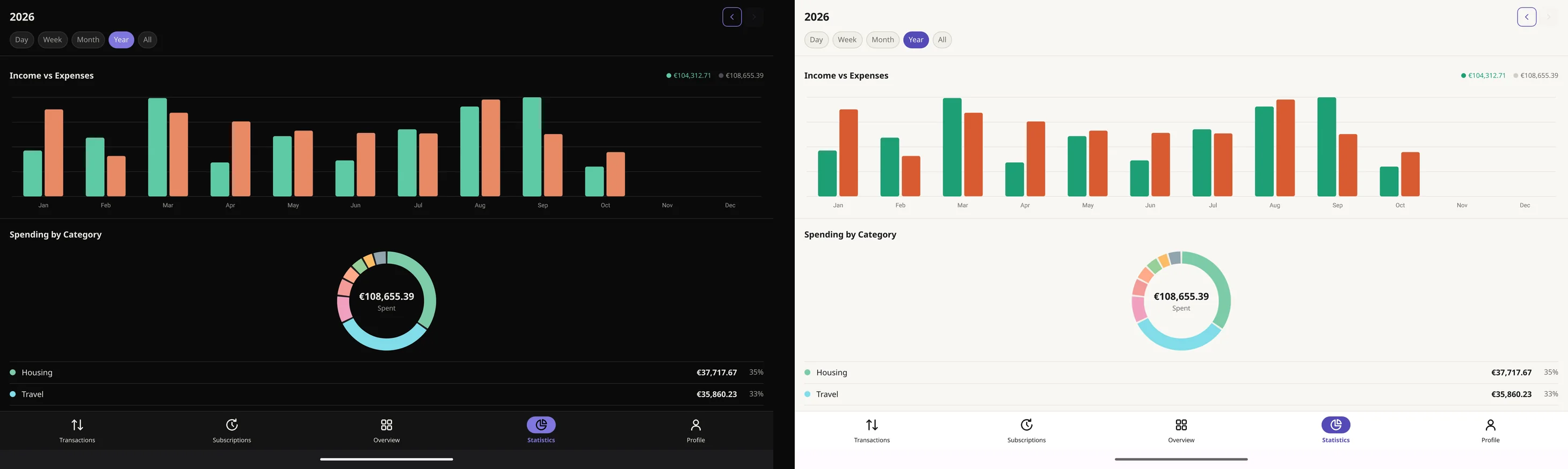
- Income against expenses, period by period
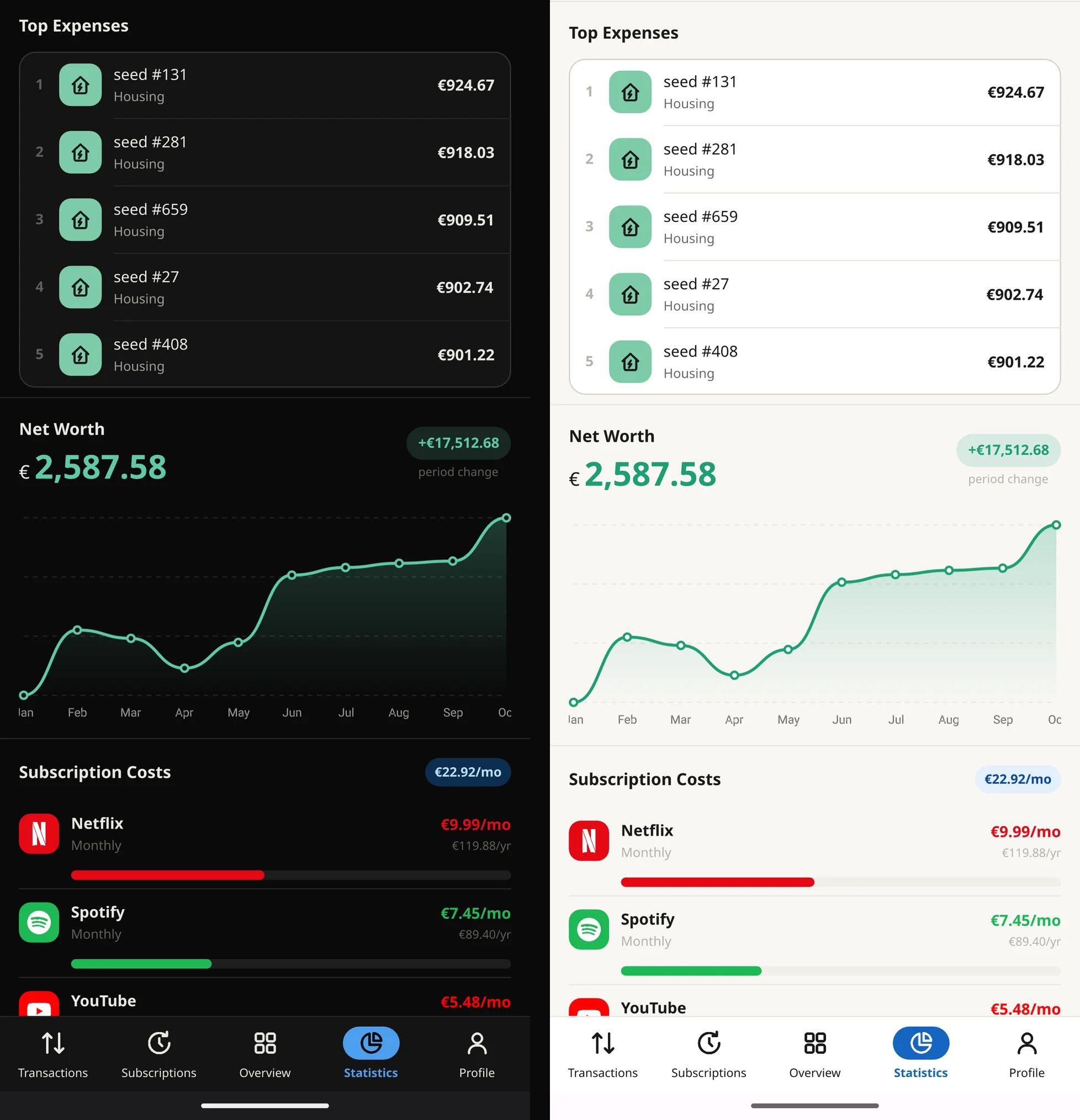
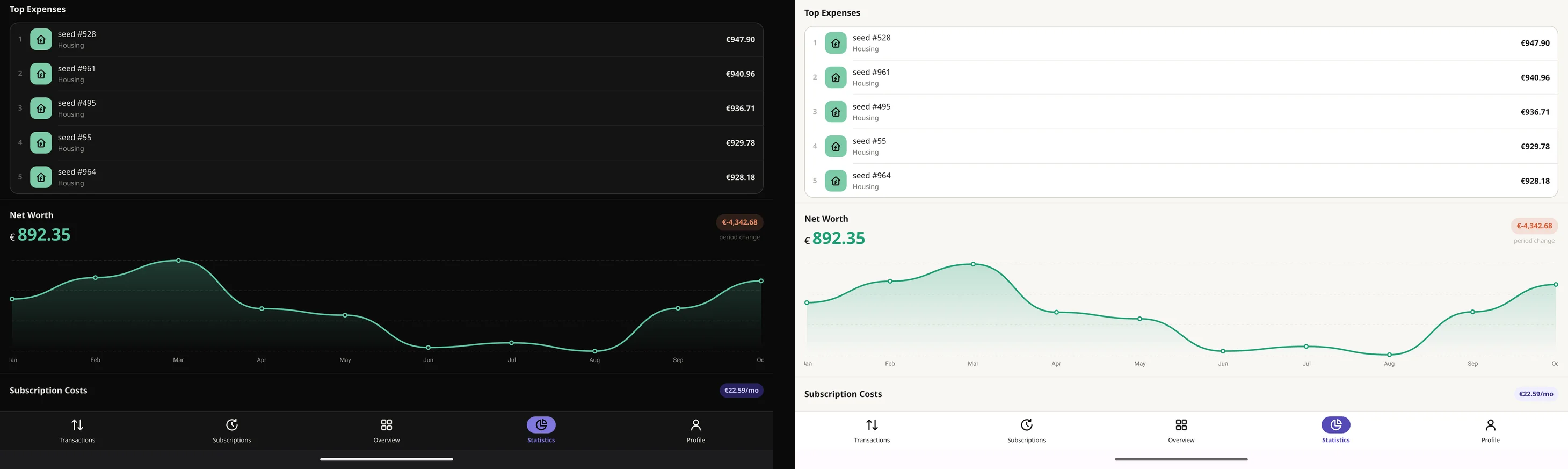
- Spending by category, and your top expenses
- Your net worth over time, and what your subscriptions cost a month and a year
Accounts and currencies
All your money, in every currency
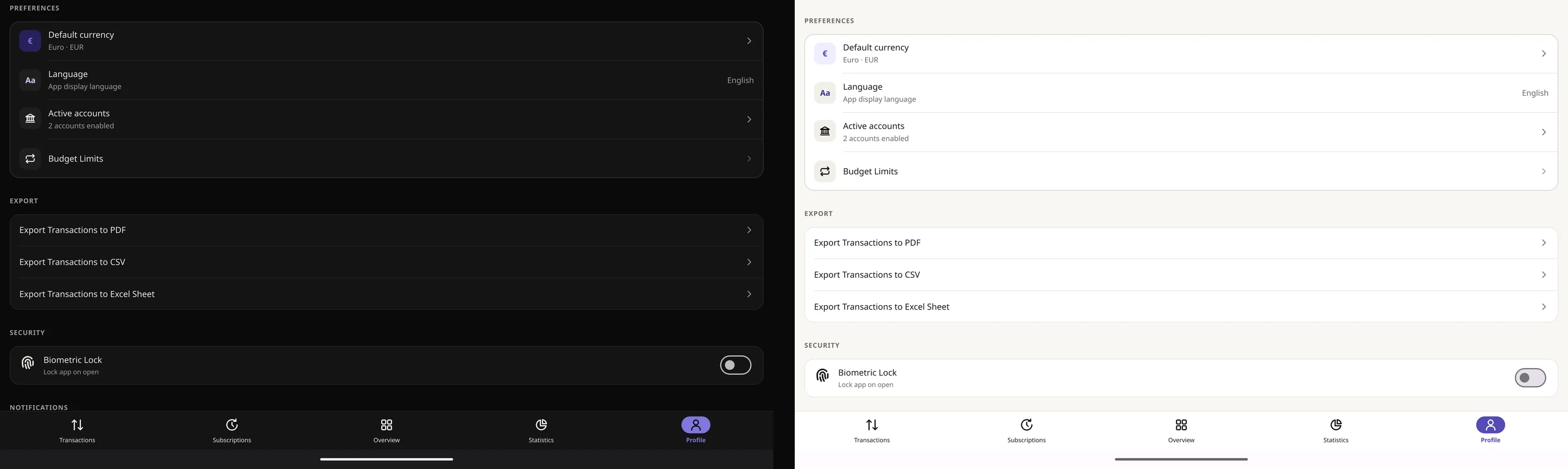
Turn on the accounts you really have and set their starting balances: checking, cash, savings, a credit card, foreign currency, PayPal, Revolut, investments or a crypto wallet. Or add your own with a name and an icon. Move money between them with a transfer and keep an eye on every balance and your net worth.
- Your own currency can be any of 155
- Paid in another currency? Enter it as it was, and Topic Finance converts it to yours as you save, with the latest rates from Frankfurter
- Each account has its own history of what came in and went out
In 46 languages
Choose yours in the app's settings.
- English
- 中文 (简体)
- 中文 (繁體)
- हिन्दी
- Español
- Español (MX)
- العربية
- Français
- বাংলা
- Português (BR)
- Português (PT)
- Русский
- اردو
- Bahasa Indonesia
- Bahasa Melayu
- Deutsch
- 日本語
- Kiswahili
- Tiếng Việt
- Türkçe
- 한국어
- فارسی
- Italiano
- Filipino
- ภาษาไทย
- Polski
- Nederlands
- Українська
- Română
- Ελληνικά
- Magyar
- Čeština
- Svenska
- Български
- Srpski
- Hrvatski
- Bosanski
- Slovenčina
- עברית
- Dansk
- Suomi
- Norsk
- Slovenščina
- Lietuvių
- Latviešu
- Eesti
And the rest
Everything else a budget needs
Subscriptions
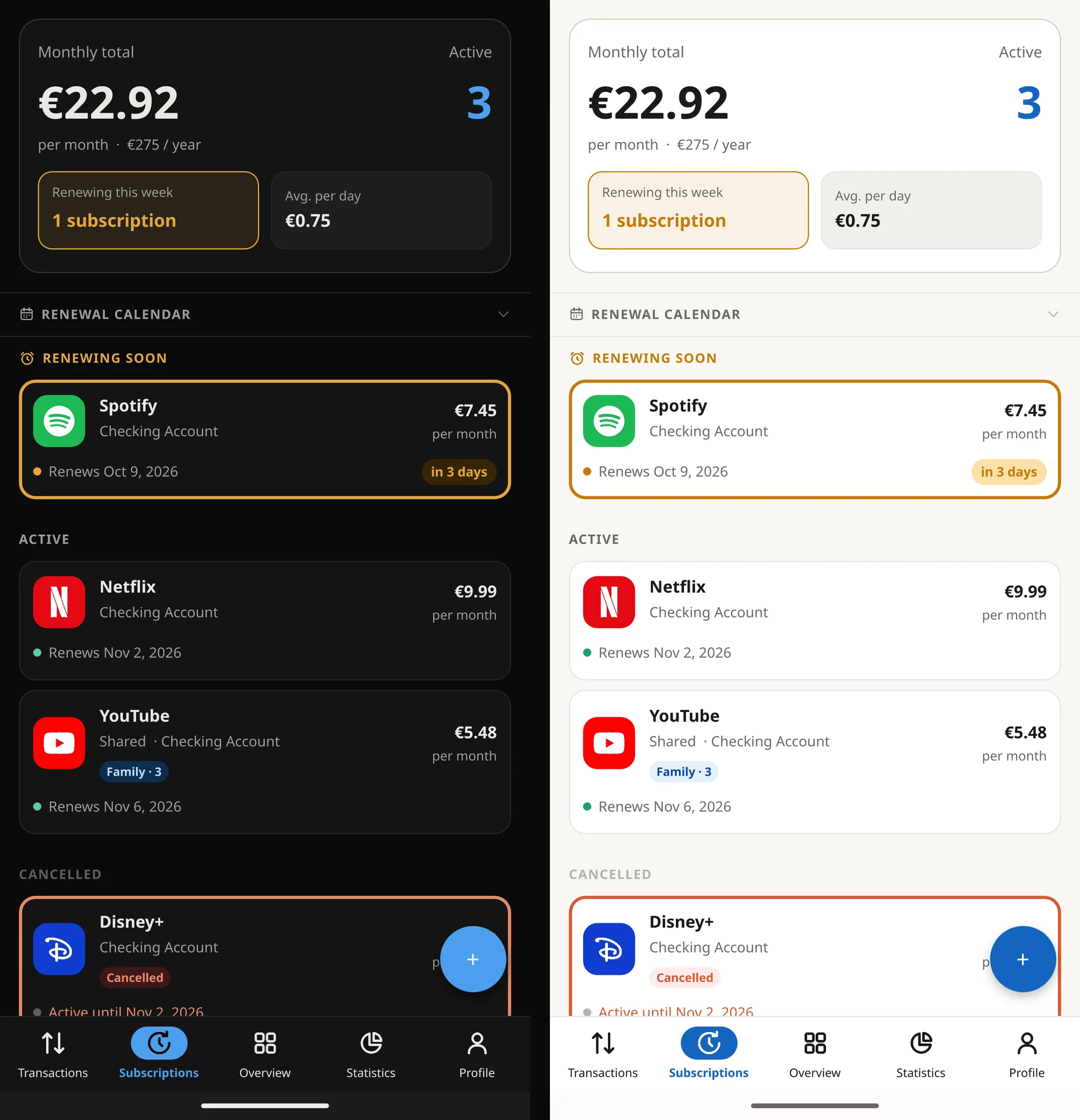
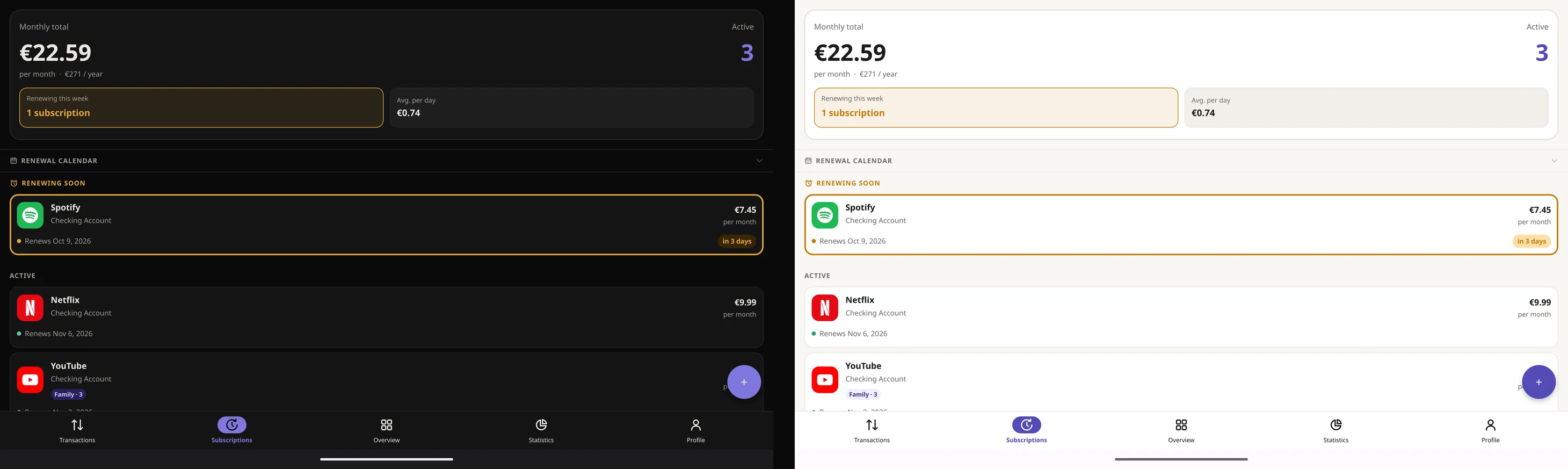
Every subscription with its monthly and yearly cost, a renewal calendar and a heads-up before it renews.
Recurring entries
Rent, salary and bills repeat on their own, so you only enter them once.
Reminders
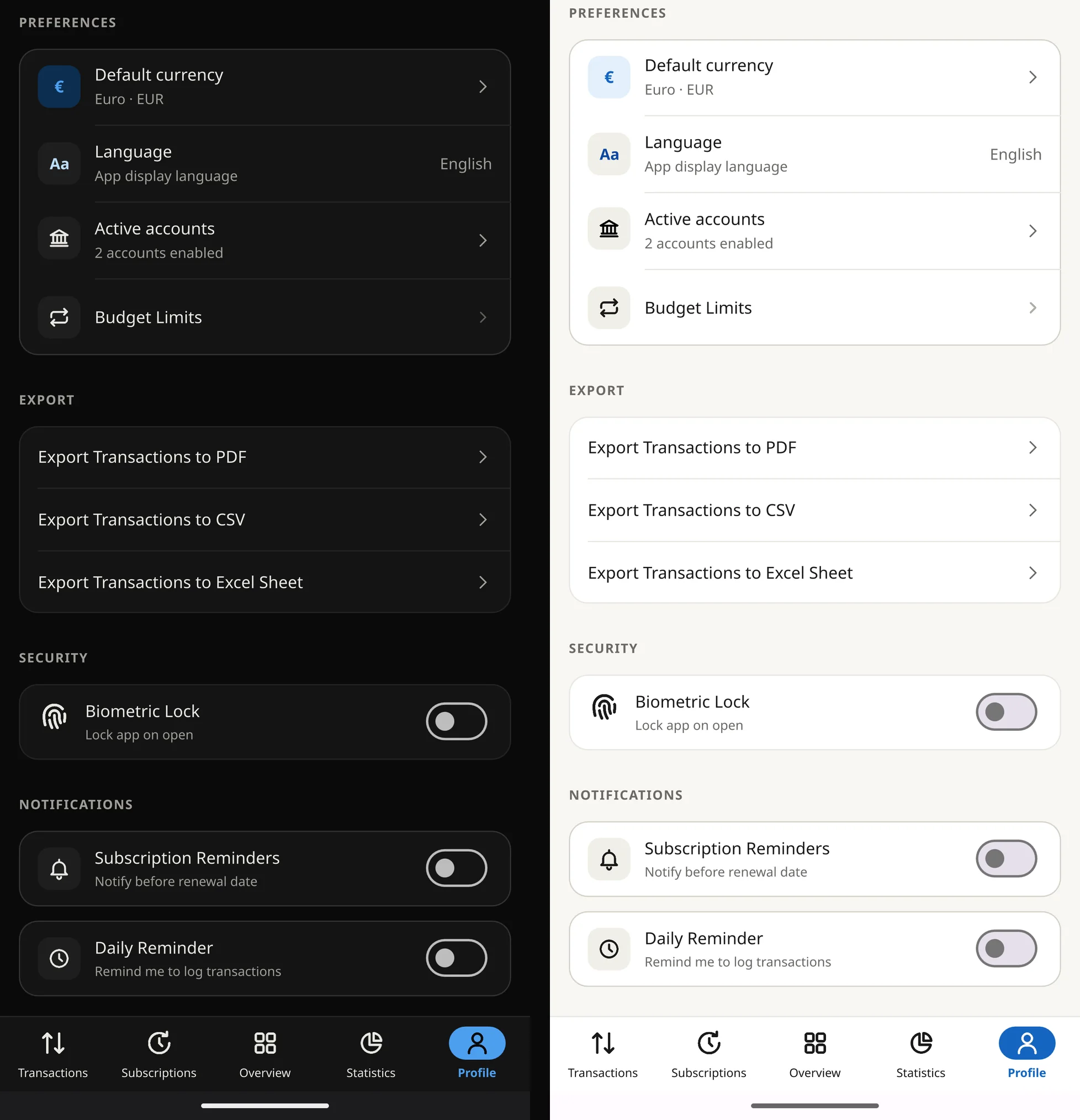
A daily nudge to log your spending, at the time you choose.
Fingerprint lock
Lock the app on open, so a borrowed phone doesn't open your finances too.
Backup and shared budget
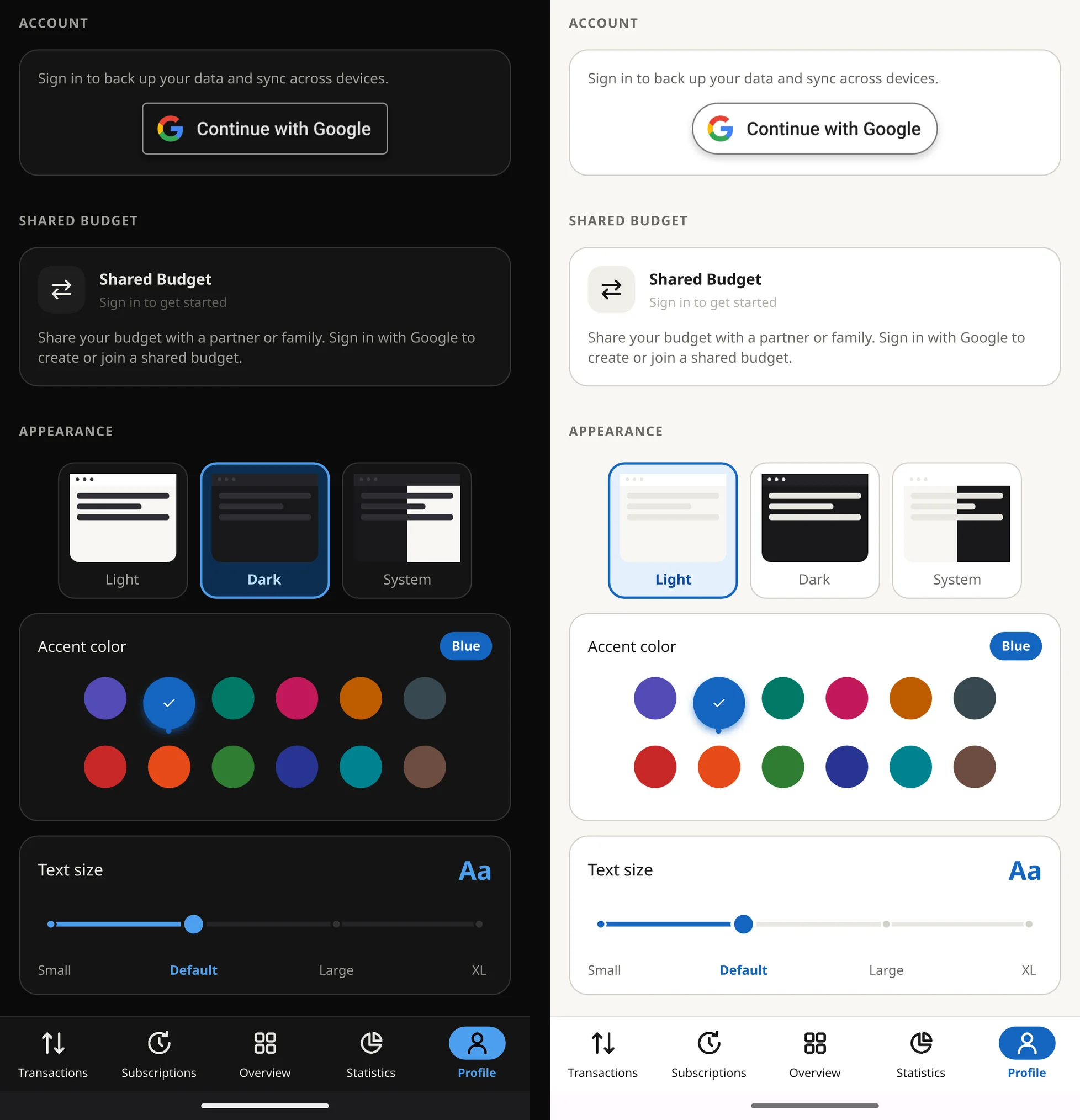
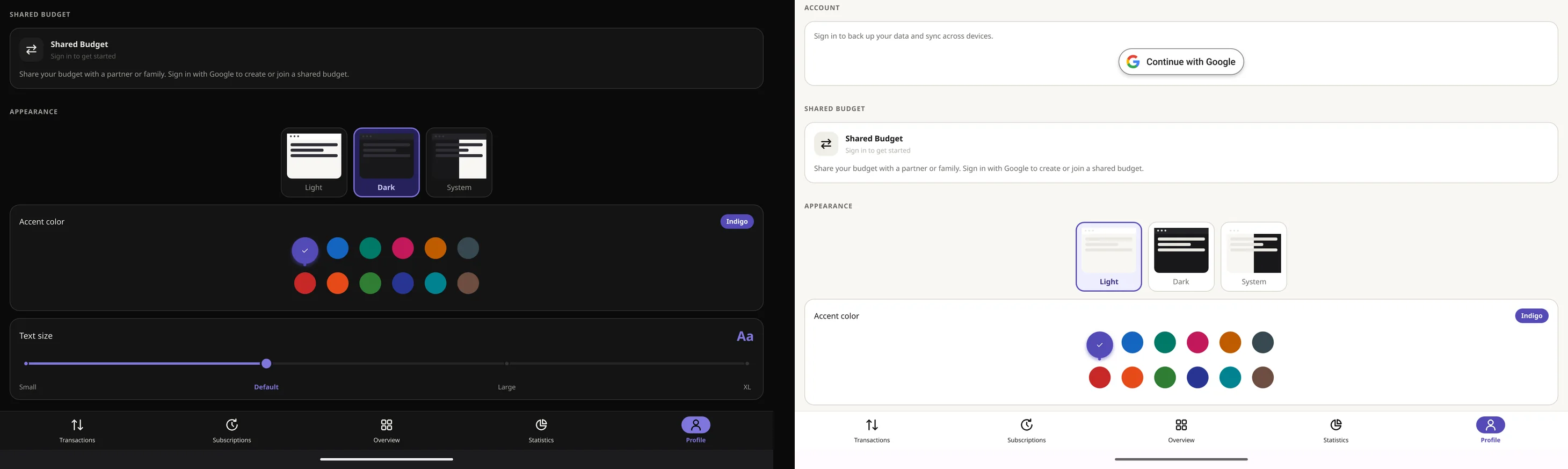
Back up to your own Google Drive, or share one budget with a partner or family, synced in real time.
Export
Your transactions as a PDF, a CSV file or an Excel sheet, whenever you want them.
Screenshots
See the real thing
Phone
Tablet
How it's paid for
Try it all, then decide
Every feature is free for 21 days. After that, choose Premium by the month, by the year or once for life, whichever suits you. There are no ads at any point, in the trial or after it.
Prices are shown in Google Play, in your currency.
Your data
It stays on your phone
Your accounts and transactions live on your device. Two features use the cloud, and both are off until you turn them on.
- Off until you turn it on
Google Drive backup
Sign in with Google to back up to your own Drive, in a private app folder, and restore it on a new phone.
- Off until you turn it on
Shared budget
Share a budget with a partner or family. Everyone can add and edit transactions, synced in real time.